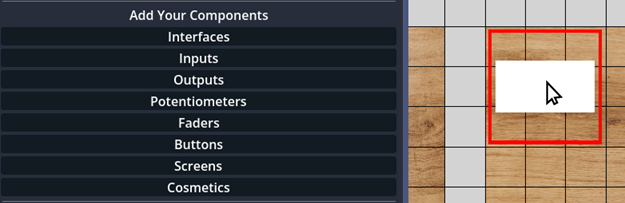
🎨 Add the Features You Need!
Add up to 80 control elements! Knobs, Buttons, Footswitches, and Faders.
Add interfaces, use your controller also as a MIDI Hub or MIDI Router
Need expressive control? Include as many pedal inputs as you like, perfect for volume, modulation, or any parameter you assign.
Also need a screen? Then add that during design as well. You want to add some text? Choose it from Cosmetics category!
Customize the Look of Your Controls!
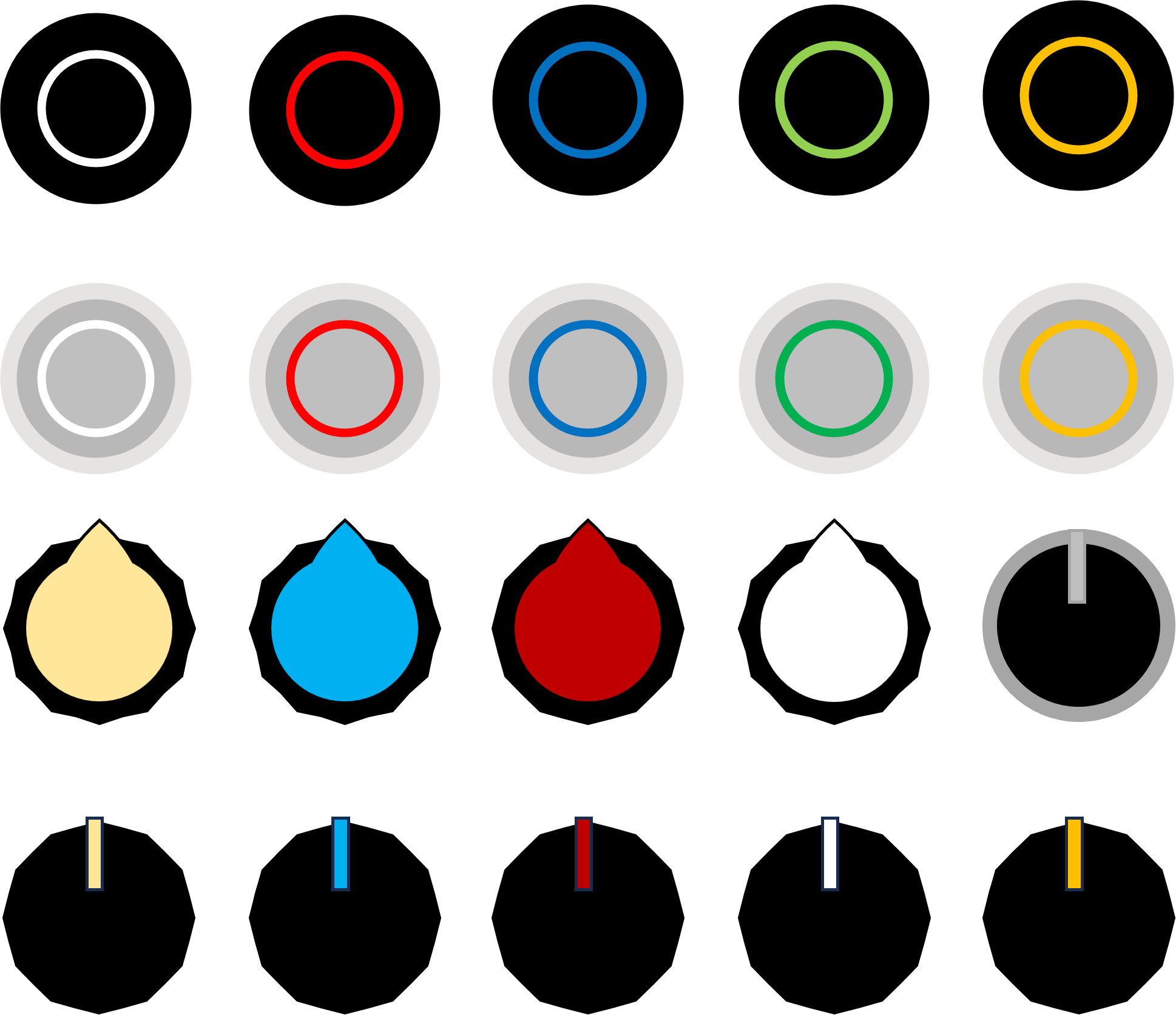
Select how the buttons or knobs should look like.
Regular push buttons or LED-lit ones? Or footswitches? The choice is yours!
Choose from different cap styles and colors to create a unique look that matches your workflow and aesthetic preferences.
📐 Custom Size & Layout
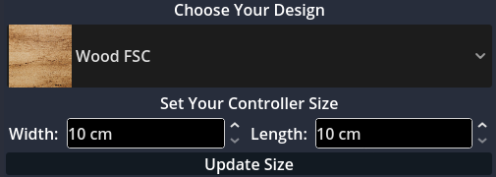
The controller that fits anywhere – your bag, desk, stage setup, and beyond! Available as desktop or foot controller!
Customize its design and size with 5 cm increments using the web-based MIDILLI Factory.
Eco-Friendly Materials:
- FSC-certified Wood
- Biodegradable PLA
- Eco-friendly PETG
Available in different colors to match your style!
Embellish with your own surface image design, with matte or glossy options!
🔌 Connectivity & MIDI Interfaces
Plug & Play – No Drivers needed! Works on Windows, macOS, Linux, Android, and iOS with USB-C interface.
USB-C Powered – No extra power supply required!
A 2m (6.5 ft) versatile USB-A to USB-C cable will be provided – long enough for almost everything!
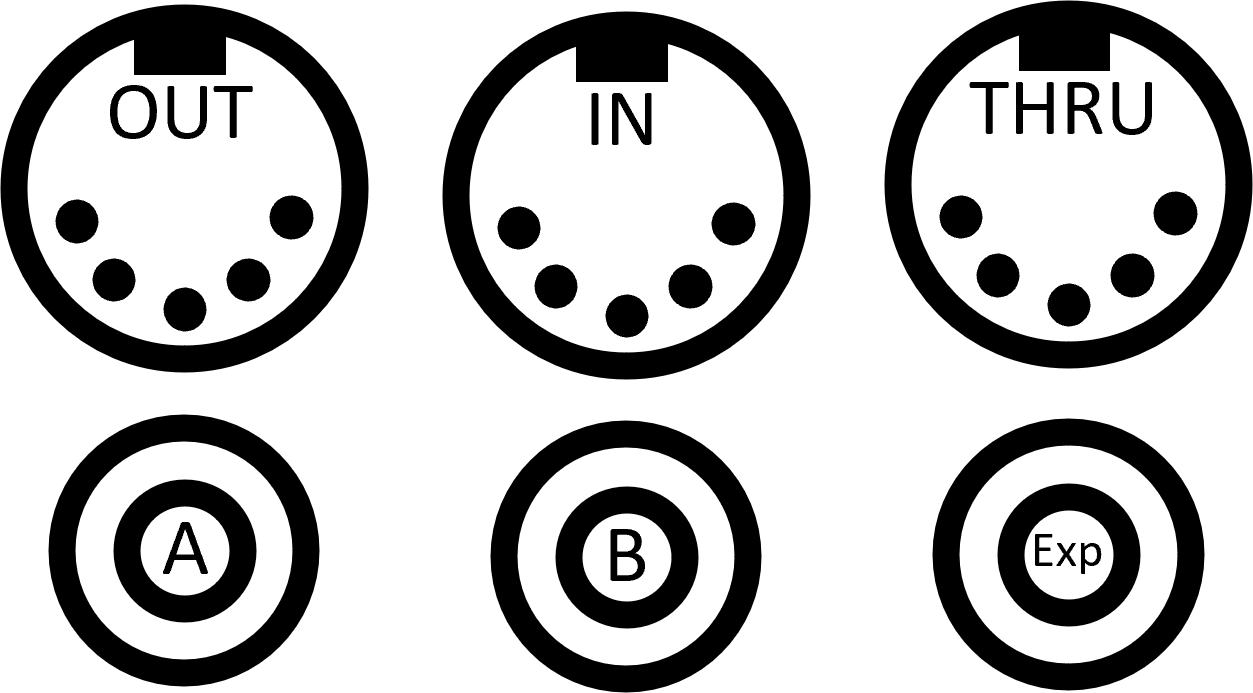
Add MIDI Interfaces:
- One MIDI In
- Up to two MIDI Thru
- Up to four MIDI Outputs
Choose whether you want DIN-5, Type A, or Type B TRS, or a combination.
MIDI Routing & Filtering
Filter messages on certain interfaces!
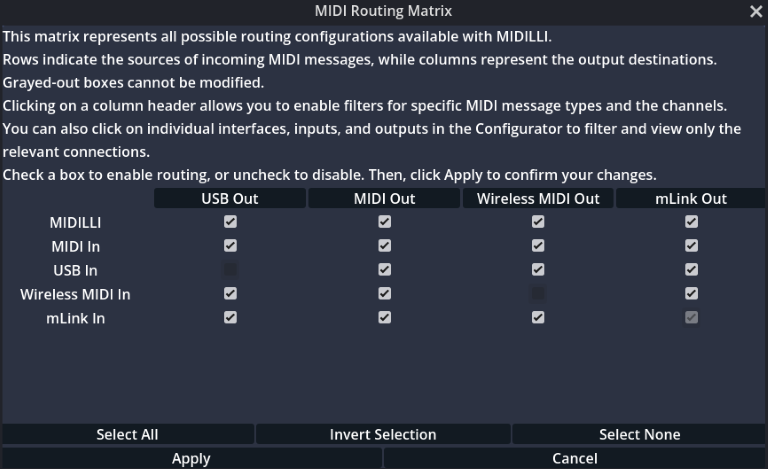
Don't need to send your messages through MIDI Out? Then simply disable until you need them again. You want to send Clock to a specific interface, but not to MIDI Out? Then use the filtering options! You can also filter them by channels!
MIDI Routing Matrix:
Want to change how the messages are transmitted? Use the MIDI Routing Matrix in the Configurator to decide where to receive from and send to where.
Selective MIDI Routing lets you choose which messages go through which interfaces, including channel selection.
⚙️ Automation & Advanced Configuration
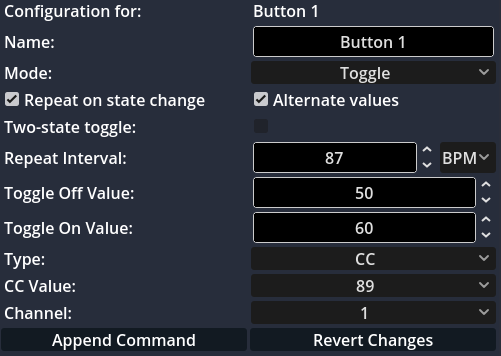
Configure each control element or component individually to send CC or Note values, PC with Sub-Bank changing options, RPN, NRPN, Clock, or SysEx (static or dynamic – CC to SysEx) when value is changed, pressed, toggled on, triggered, or all of them!
Multiply the number of controllable functions by setting them to change the banks!
Temporarily bypass generated or forwarded MIDI messages!
Not enough?
Then combine bank changes with button types to create simple automations. Add intervals and set delays as milliseconds or beat per minute (BPM). Switch to another bank, play some notes, and switch back.
Buttons can also send Clock messages, use as tempo, or tap tempo.
🔗 mLink Integration
Use mLink to connect all your MIDILLI devices seamlessly. A self-healing and configuration-free private network for all MIDILLI devices.
mLink (MIDILLI Link) allows you to connect MIDILLI devices with low latency, creating a robust mesh network that automatically manages connections.
Perfect for complex setups where multiple controllers need to communicate with each other without cables!
Learn More About mLink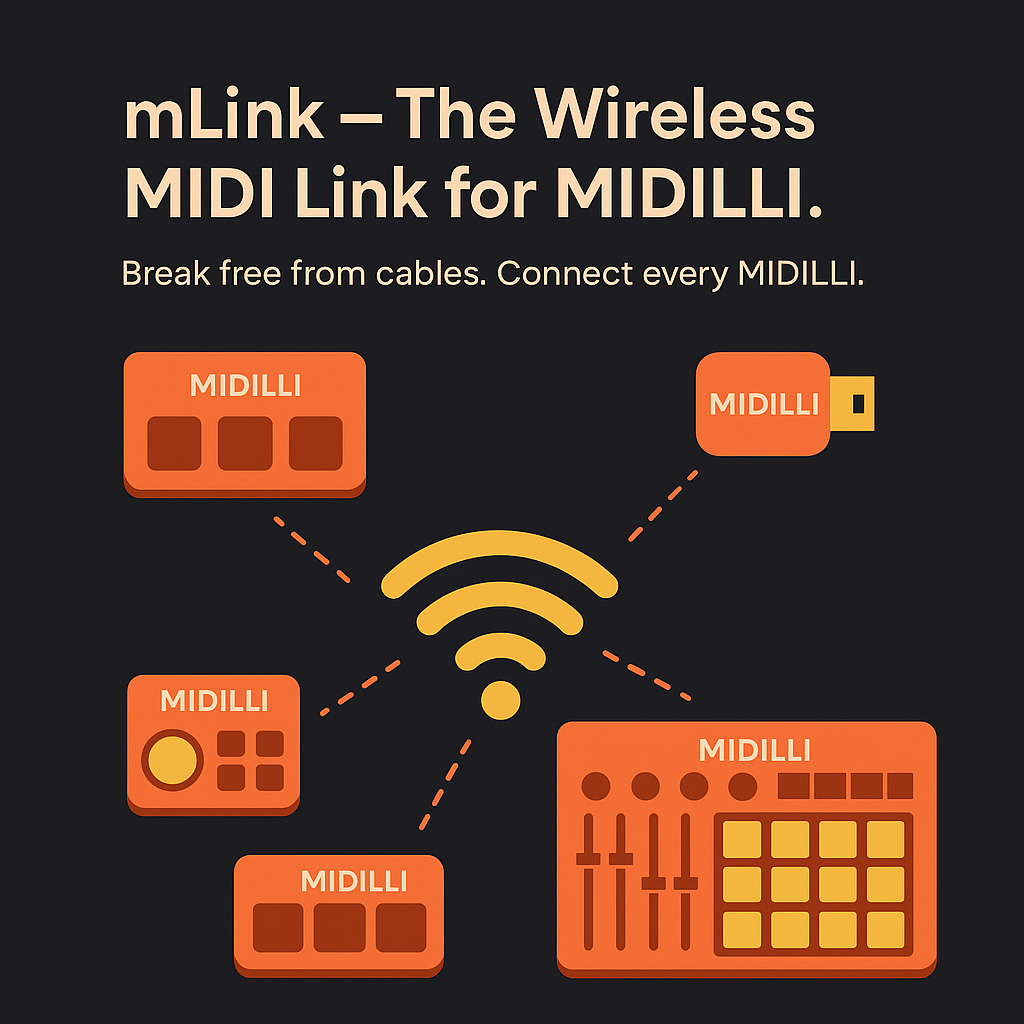
🌐 Share your Design or Transfer Your Controller
Connected Community
Use your MIDILLI Account to make your design public, let others explore, clone, and customize!
Transfer your devices permanently with ease.
Join a growing community of creators and musicians who share their controller designs, templates, and configurations. Get inspired by others and inspire them with your unique creations!

� Additional Features
MIDILLI Configurator
Use the configuration software matching your design.
Export and import settings easily to try out different setups or use for different shows.
Configure each control element individually when value is changed, pressed, toggled on, triggered, or all of them!
Custom Logo & Device Name
Did we mention that you can add your own logo to be shown on startup, or set your own device name to be listed in the list of devices?
Your logo can appear on the startup screen, and the duration is customizable.
Comprehensive Documentation
Access detailed manuals, tutorials, and quick comprehensive guides.
- MIDI Routing Matrix Guide
- Bank Changing Tutorial
- Automation Examples
- Configuration Tips
📋 Complete Feature List
Send CC, Note, NRPN, RPN, Program Change, and static or dynamic SysEx messages (CC to SysEx) with any control element
Buttons can send Clock messages, use as tempo, or tap tempo
Buttons can temporarily stop sending MIDI messages from your device or forwarding MIDI messages from external devices
No limit to the number of control elements with Bank Change functionality
Buttons operate in Gate, Toggle, and Trigger modes
Use buttons for automation with Bank Changes and alternate values
OLED display shows everything you do in real time
Your logo can appear on startup screen with customizable duration
Selective MIDI Routing via Routing Matrix with channel selection
Export and import settings to try different setups or use for different shows
Use mLink to connect MIDILLI devices with low latency
Works with Windows, macOS, Linux, Android, and iOS
Got Your Attention?
Start designing and get your own custom MIDI controller today!
The possibilities are endless, and the design is entirely yours.